> ## Documentation Index
> Fetch the complete documentation index at: https://docs.krait.io/llms.txt
> Use this file to discover all available pages before exploring further.
# Start your journey
> Create an account to explore what Krait has to offer.
## Create an account
You can create a Krait account using one of the following methods.
***
### Option 1: Sign up with Email and Password
Go to the Krait sign-up page.
Enter your email address and choose a password.
Submit the form to create your account.
Verify your email address using the link sent to your inbox.
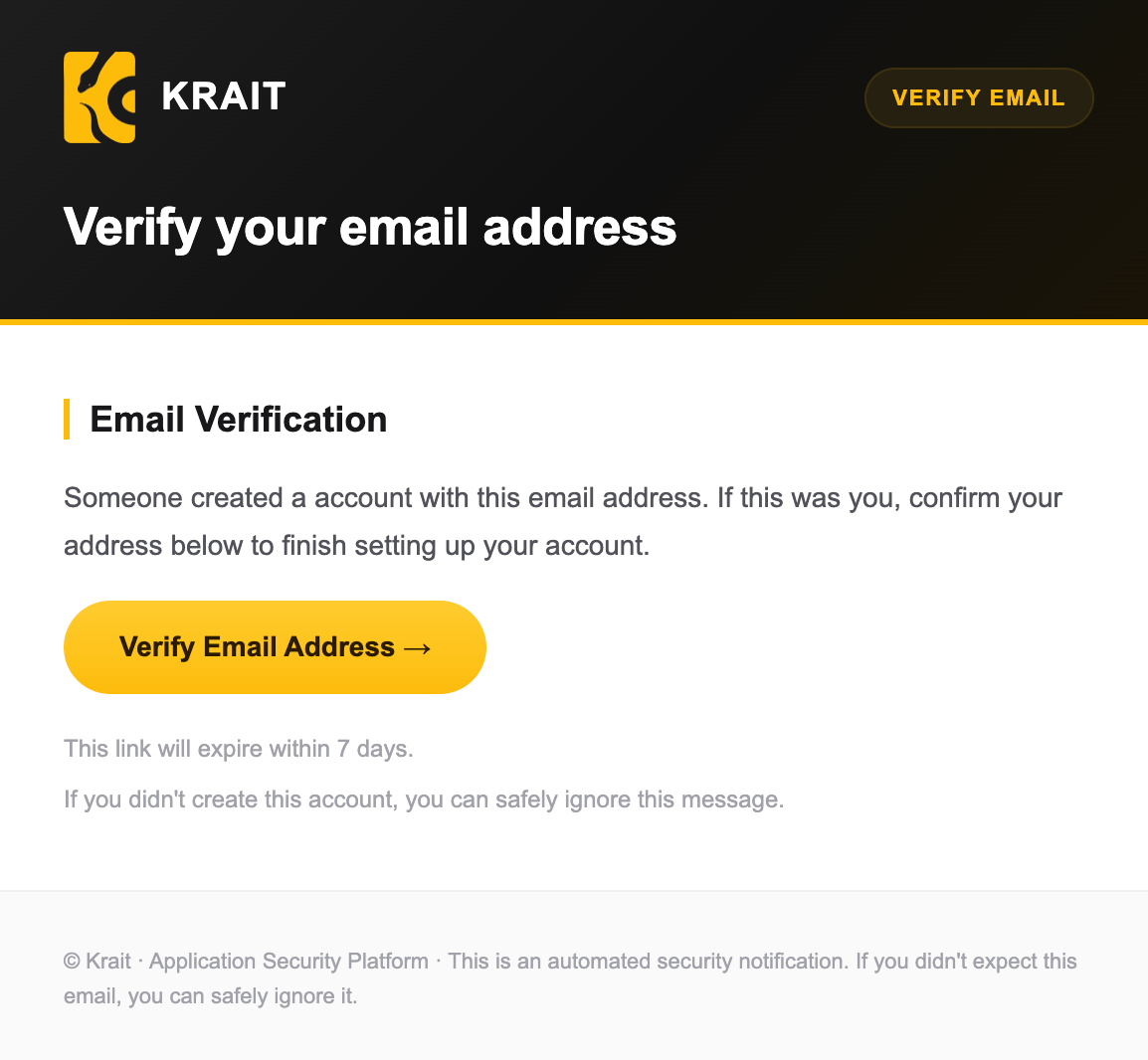 Once verified, sign in and start using Krait.
***
### Option 2: Sign up with Single Sign-On (SSO)
Go to the Krait sign-up page.
Choose one of the supported Single Sign-On (SSO) providers: Google, GitHub, or GitLab.
Authorize Krait to access your account.
You will be automatically signed in once authentication is complete.
***
## Notes
* Email verification is required for email-based sign-ups.
* SSO sign-ups do not require additional verification.
* You can use the same account to create and manage multiple workspaces.
## Connect your resources
Krait is an one-stop solution. Here, you can connect your Code Repositories, Containers and scan your entire attack surface from a single, unified dashboard.
### Connect with VCS
At Krait, you get options. Connect your VCS of choice to start scanning your code.
### **Connect with Container**
You're now all set to secure your code and containers!
Once verified, sign in and start using Krait.
***
### Option 2: Sign up with Single Sign-On (SSO)
Go to the Krait sign-up page.
Choose one of the supported Single Sign-On (SSO) providers: Google, GitHub, or GitLab.
Authorize Krait to access your account.
You will be automatically signed in once authentication is complete.
***
## Notes
* Email verification is required for email-based sign-ups.
* SSO sign-ups do not require additional verification.
* You can use the same account to create and manage multiple workspaces.
## Connect your resources
Krait is an one-stop solution. Here, you can connect your Code Repositories, Containers and scan your entire attack surface from a single, unified dashboard.
### Connect with VCS
At Krait, you get options. Connect your VCS of choice to start scanning your code.
### **Connect with Container**
You're now all set to secure your code and containers!