Documentation Index
Fetch the complete documentation index at: https://docs.krait.io/llms.txt
Use this file to discover all available pages before exploring further.
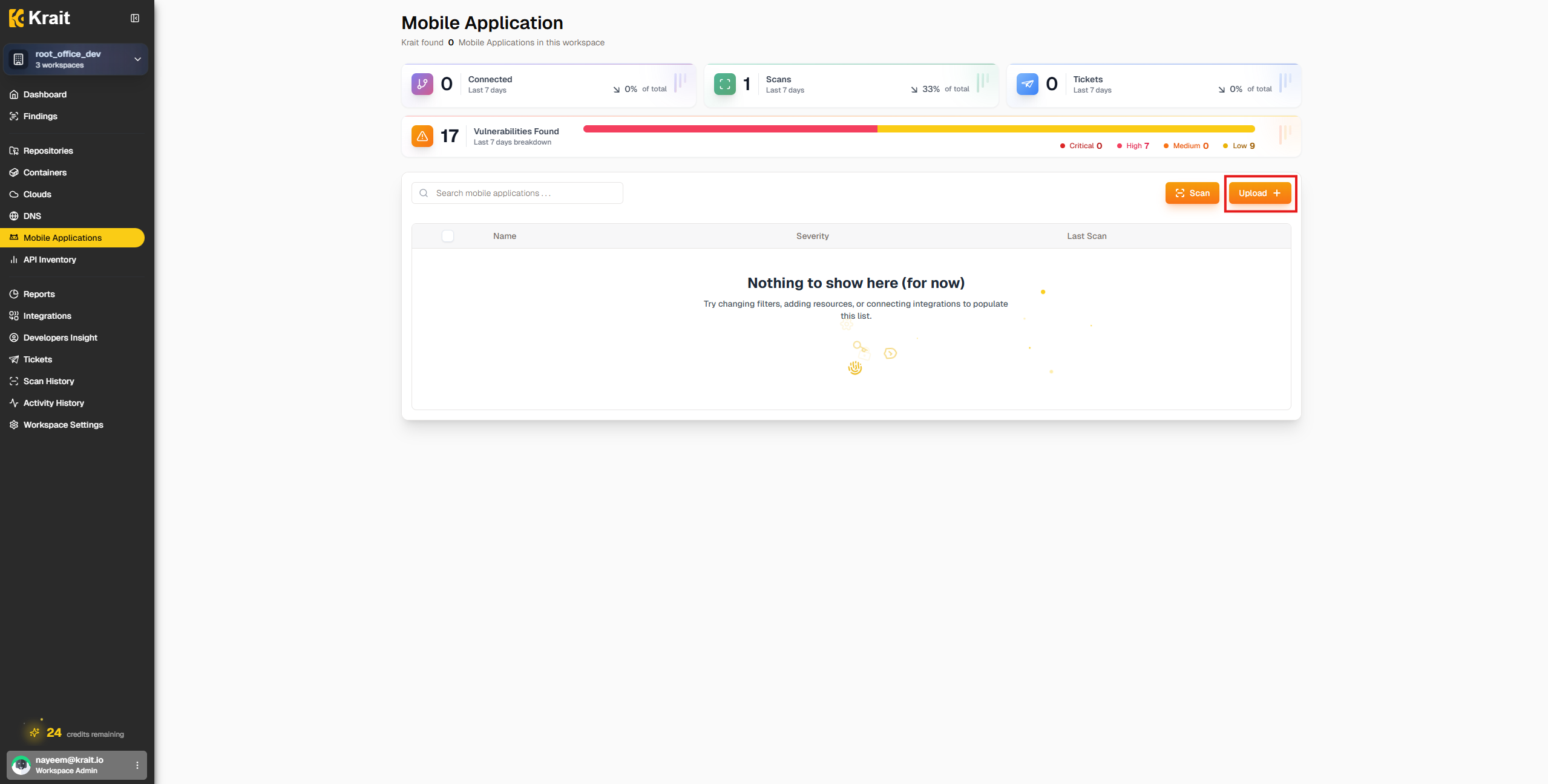
Scan APK
Initiate a scan on your uploaded APK to detect security vulnerabilities and issues. The scan may take a few minutes depending on the size and complexity of the application.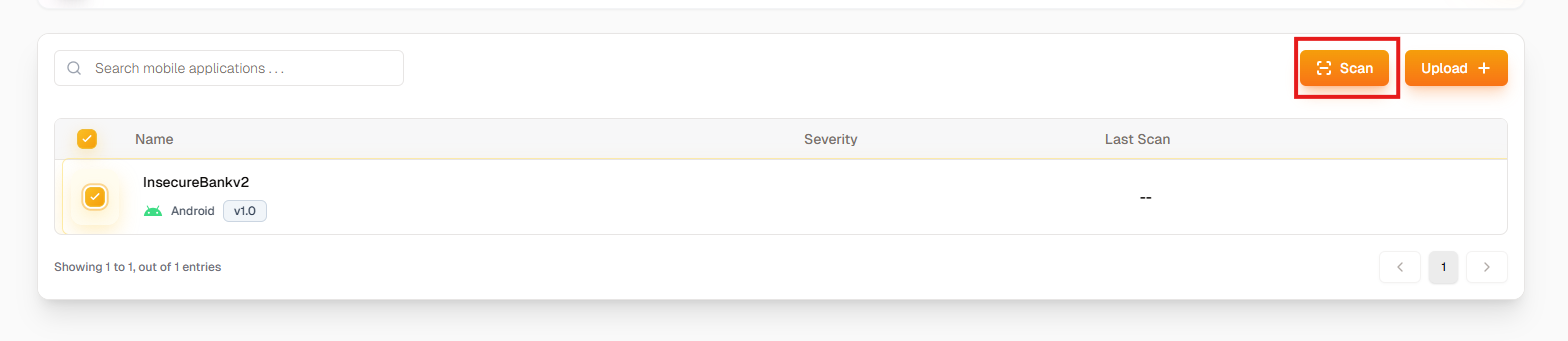
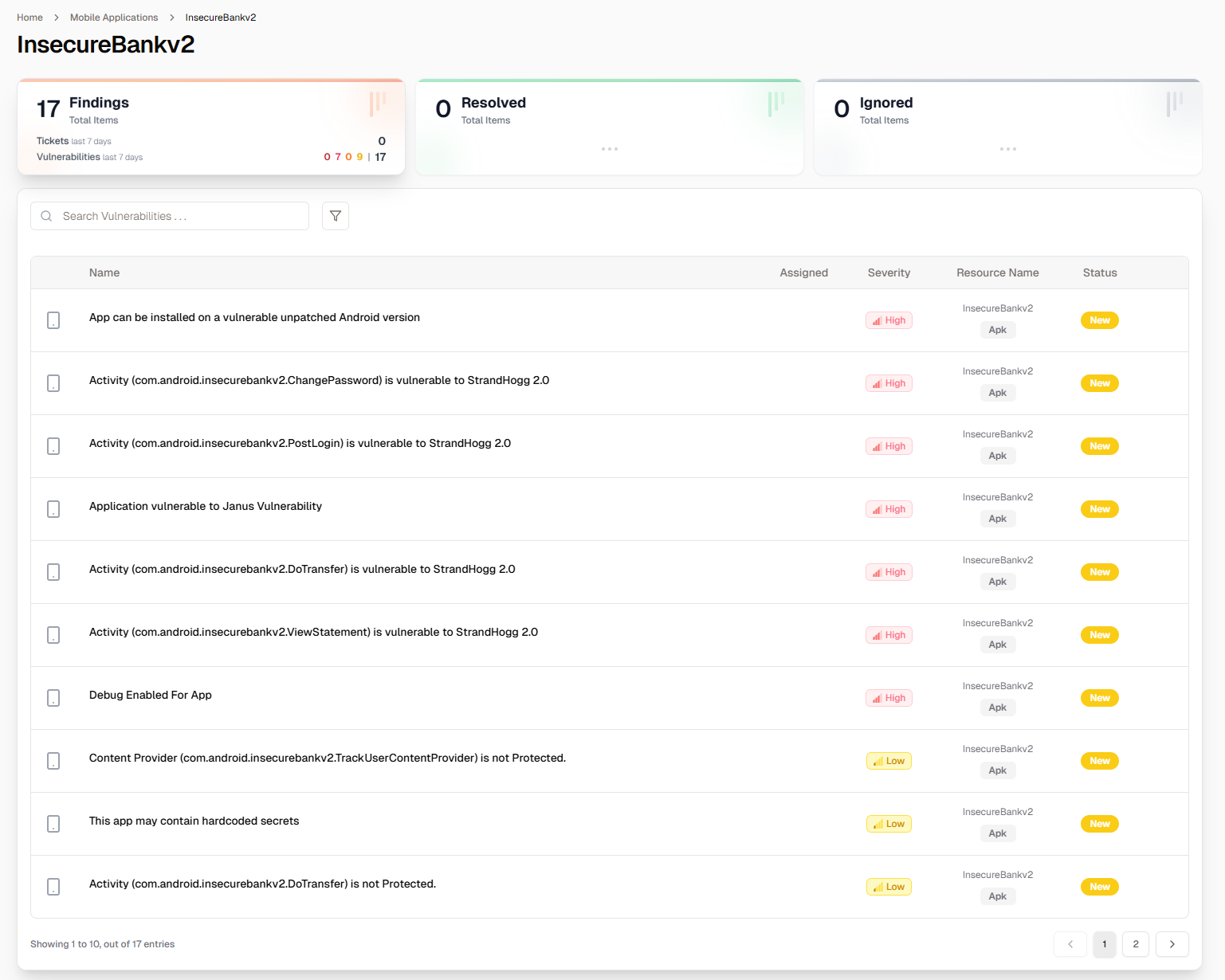
Analyze Findings
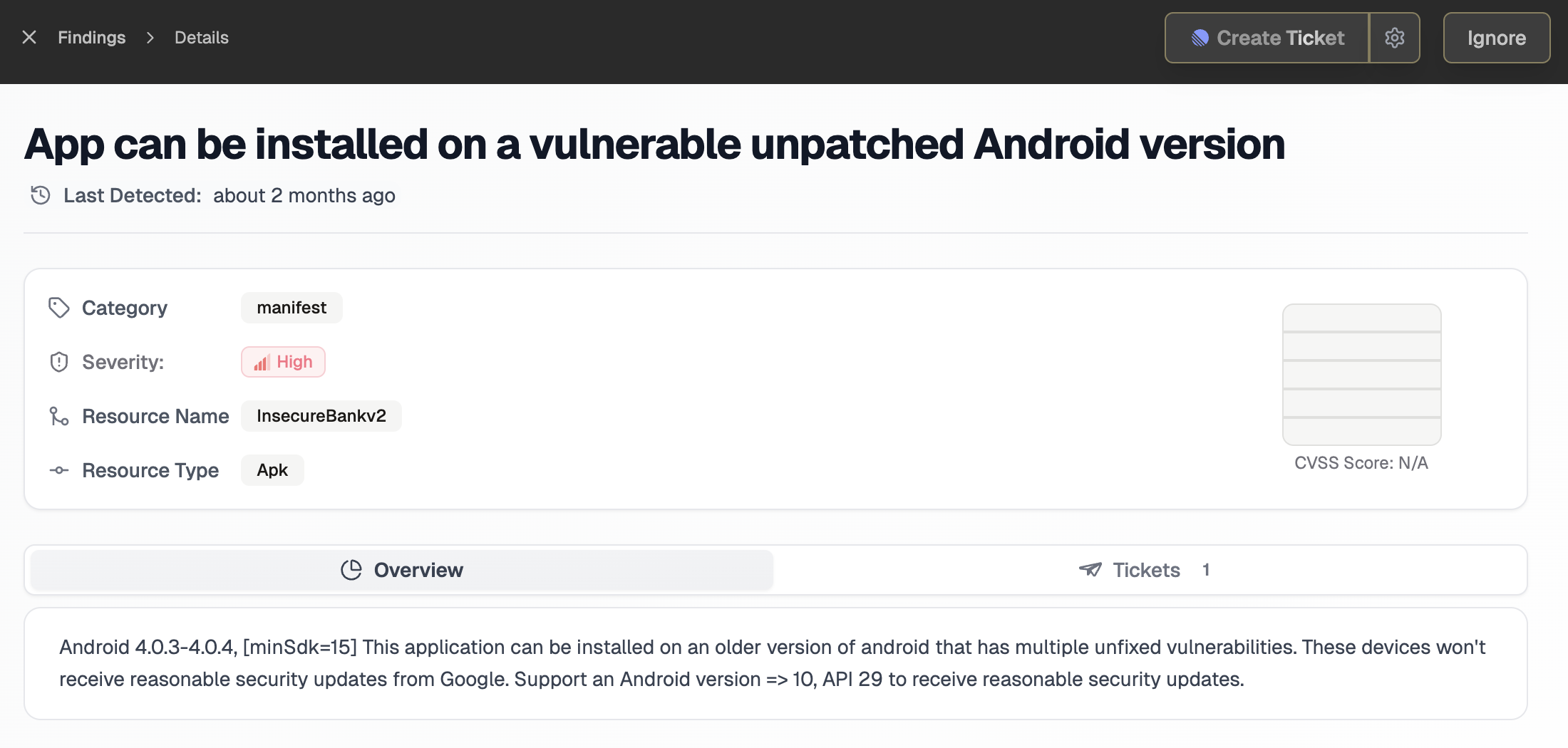
By clicking on any finding, you will see its detail. You will find a short explanation, the code snippet, catagory, severity, CVSS score, references. If a issue is present multiple times, Krait will only show one finding and group all the instances together. You can also create a ticket from the findings page.