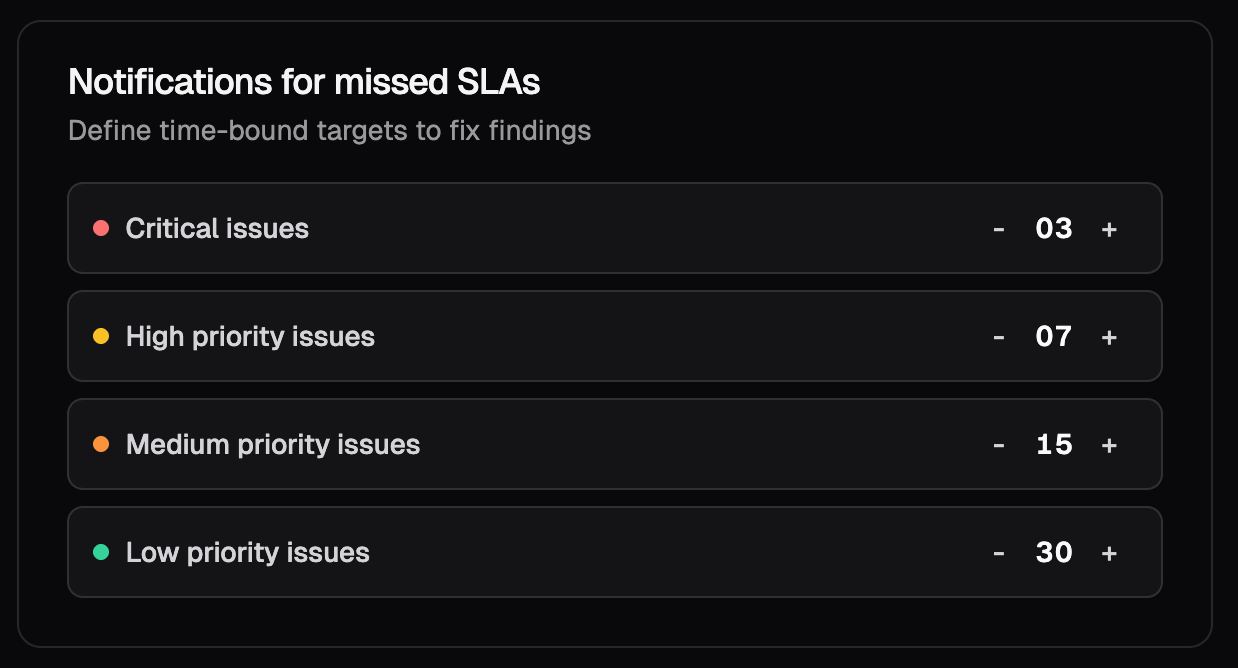
Configuring SLA Rules in Workspace Settings
You can configure SLA behavior for your entire workspace from:1
Open Workspace Settings
Navigate to the SLA and CVSS section.
Workspace Settings → SLA and CVSS

2
Set SLA Targets for Each Severity Level
For Critical, High, Medium, and Low issues, enter the number of days your organization allows before the issue is considered overdue.

3
Saved settings
All newly detected issues will now adopt these SLA timelines.
Where SLA Information Appears in Krait
Once configured, SLA data becomes visible in key areas across the platform, making it easy to monitor deadlines and respond quickly.SLA Prioritization Table
This table highlights issues that have already exceeded their SLA deadlines. It is purpose-built for urgency:- Shows the issue name, resource, severity, and how many days it has been overdue.
- Automatically sorts overdue issues, ensuring the most critical items appear at the top.
- Provides a focused view for security leads and engineering managers.