

Create an account
You can create a Krait account using one of the following methods.Option 1: Sign up with Email and Password
1
Go to the Krait sign-up page.
2
Enter your email address and choose a password.
3
Submit the form to create your account.
4
Verify your email address using the link sent to your inbox.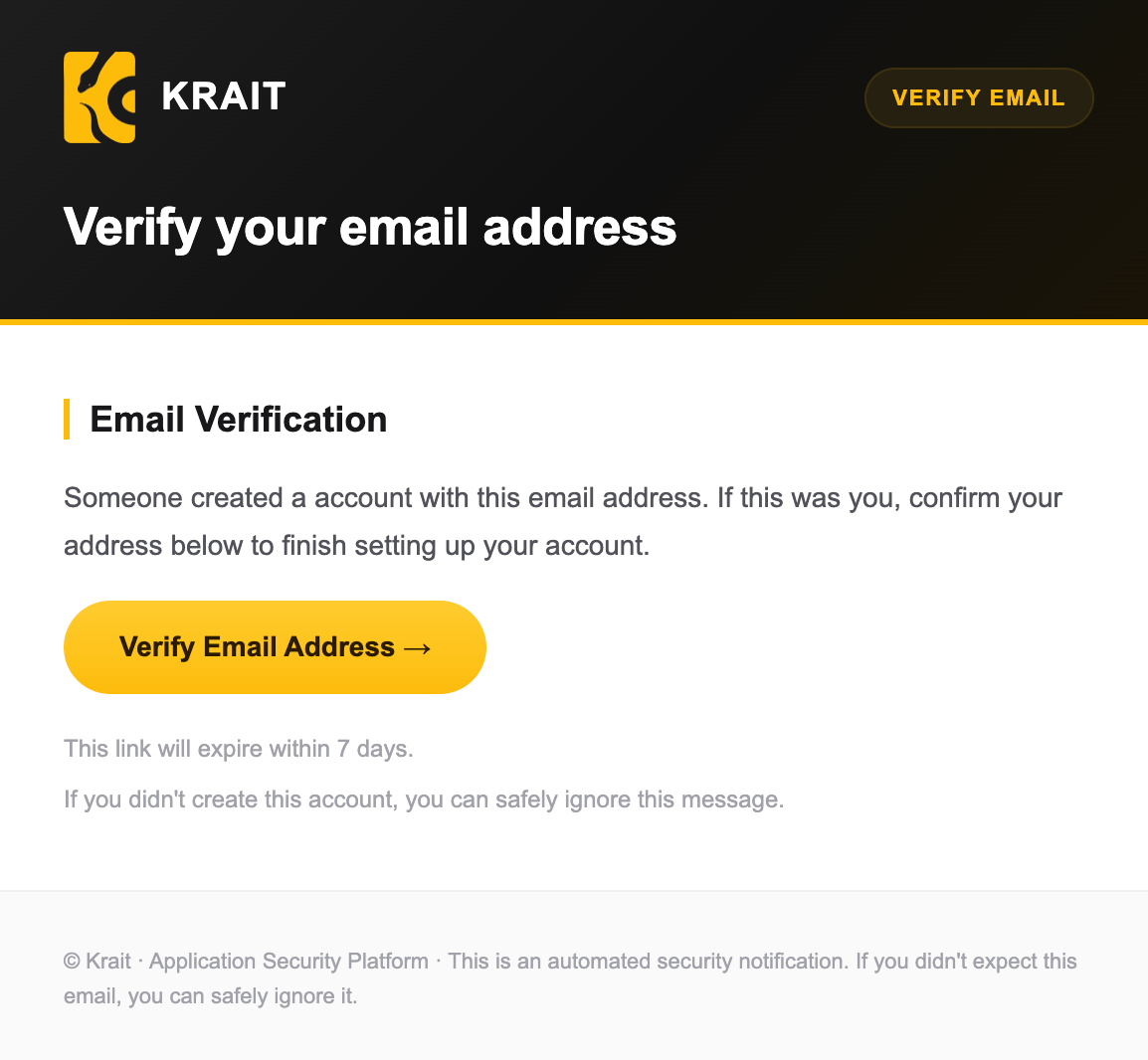
5
Once verified, sign in and start using Krait.
Option 2: Sign up with Single Sign-On (SSO)
1
Go to the Krait sign-up page.
2
Choose one of the supported Single Sign-On (SSO) providers: Google, GitHub, or GitLab.
3
Authorize Krait to access your account.
4
You will be automatically signed in once authentication is complete.
Notes
- Email verification is required for email-based sign-ups.
- SSO sign-ups do not require additional verification.
- You can use the same account to create and manage multiple workspaces.