Connecting Krait with Linear
This is a one-time setup per workspace. Once connected, everyone in your Krait organization can create Linear issues directly from findings.You must be a workspace Owner, Administrator, or Manager to connect or configure Linear.
1
Navigate to Integrations
Go to Integrations, then Ticketing, then select the Linear card.
2
Provide Required Credentials
An integration panel will open on the right. Enter your Linear API Key, which you can generate from your Linear account settings.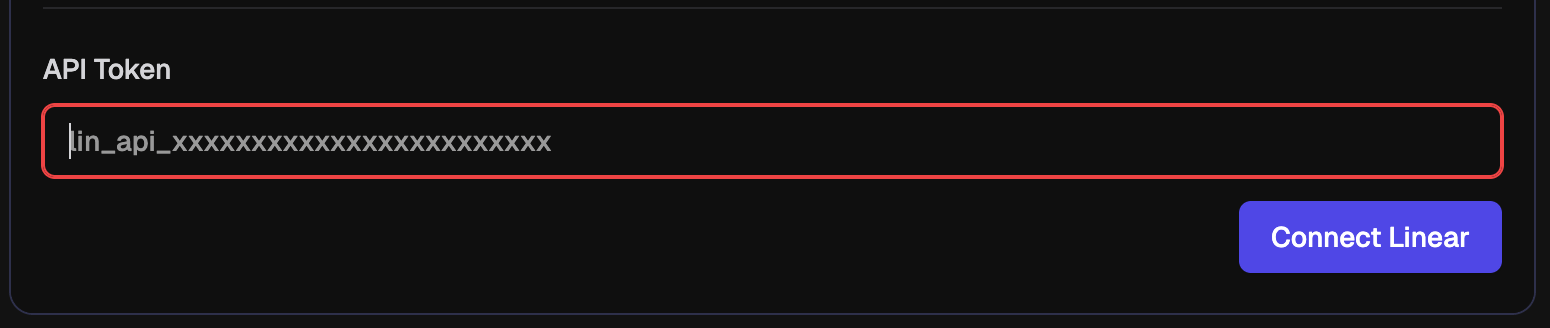
User Mapping
If you use a different email address in Linear than the one you use in Krait, tickets pushed to Linear will not automatically know who to assign them to. User mapping lets you explicitly link your Krait account to the correct Linear identity so that tickets are always assigned to the right person.1
Open the Linear Integration
Navigate to Integrations, then Ticketing, then Linear.
2
Go to User Mapping
Inside the Linear integration panel, scroll down to the User Mapping section. Krait will list all members of your workspace.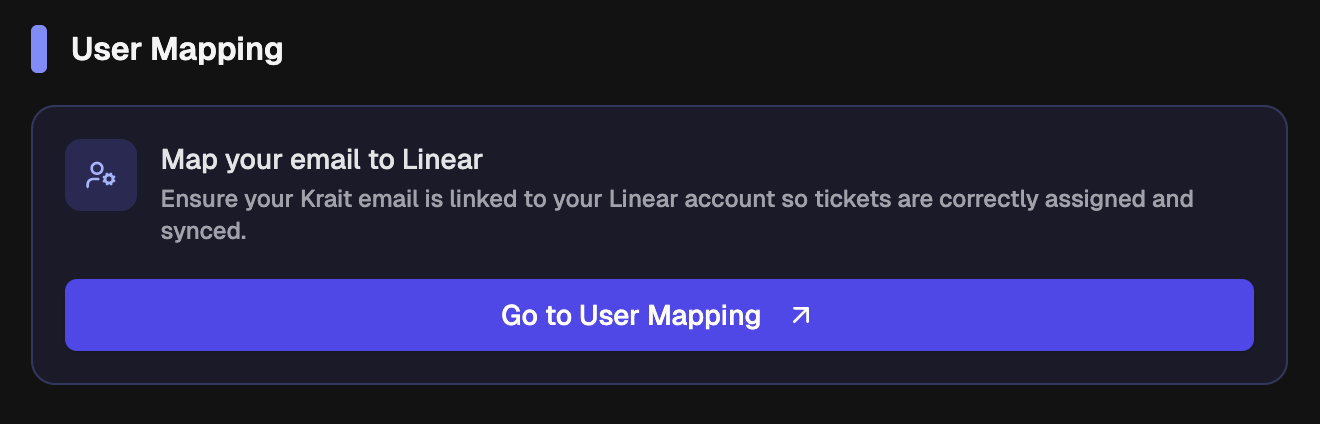
3
Add Your Linear Email
Next to your name, enter the email address associated with your Linear account. This tells Krait which Linear user to assign tickets to when they are created from Krait.
4
Save
Click Save to confirm. Tickets created from Krait will now be correctly assigned to your Linear account.
Each workspace member sets their own mapping independently. If a member has no mapping configured, tickets pushed to Linear will be unassigned.
Disconnecting Linear
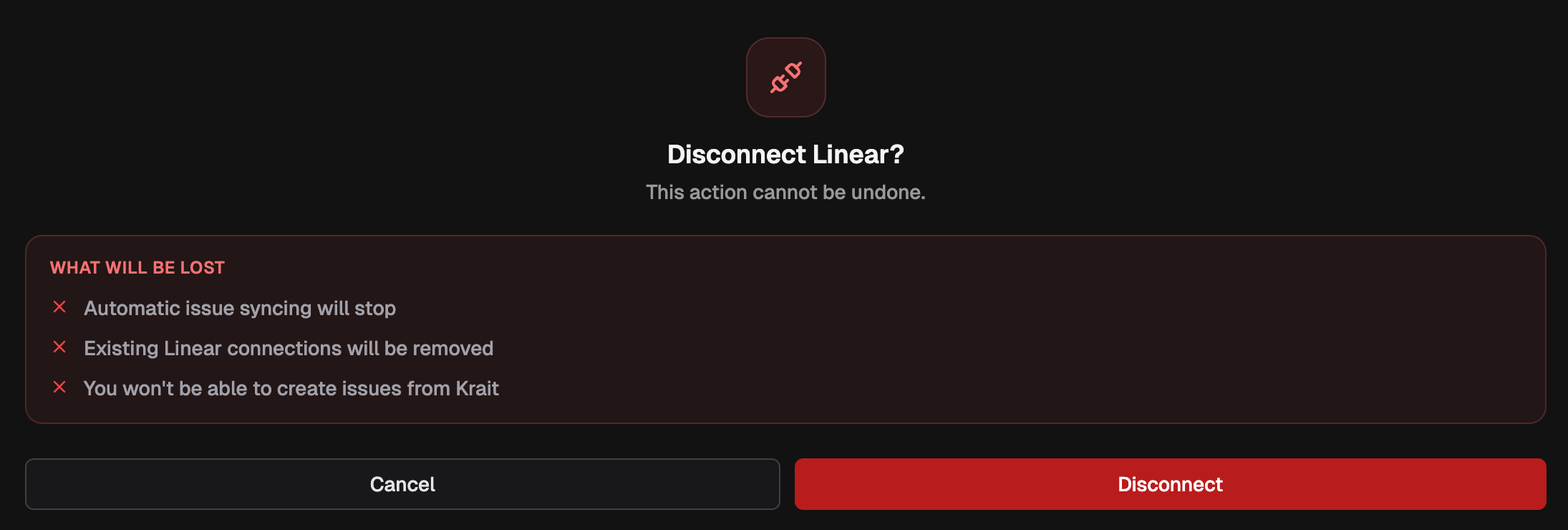
You can disconnect Linear from Krait at any time.